1. Photo to video on an iPhone, for free
The Photos app already makes short videos on its own: open the Memories tab and it has cut your weekend into a clip with music. Select photos yourself, tap the More button and choose Slideshow to play them with a soundtrack on the spot. A slideshow plays but does not export, so for a file you can send, open iMovie (free) and pick Magic Movie: choose the photos and clips, pick a soundtrack, and export the video.
This is the right tool when all the photos are on your phone and the video is for you.
2. Make a video from photos on Android (Google Photos)
In Google Photos, tap Create, choose Movie or Highlight video, select the photos and clips, add music from the built-in library or your own file, and save. The result lands in your library as a normal video you can share.
Again, this works for one phone. Your friends' photos are on their phones.
3. When the photos are on many phones: Kamerarull
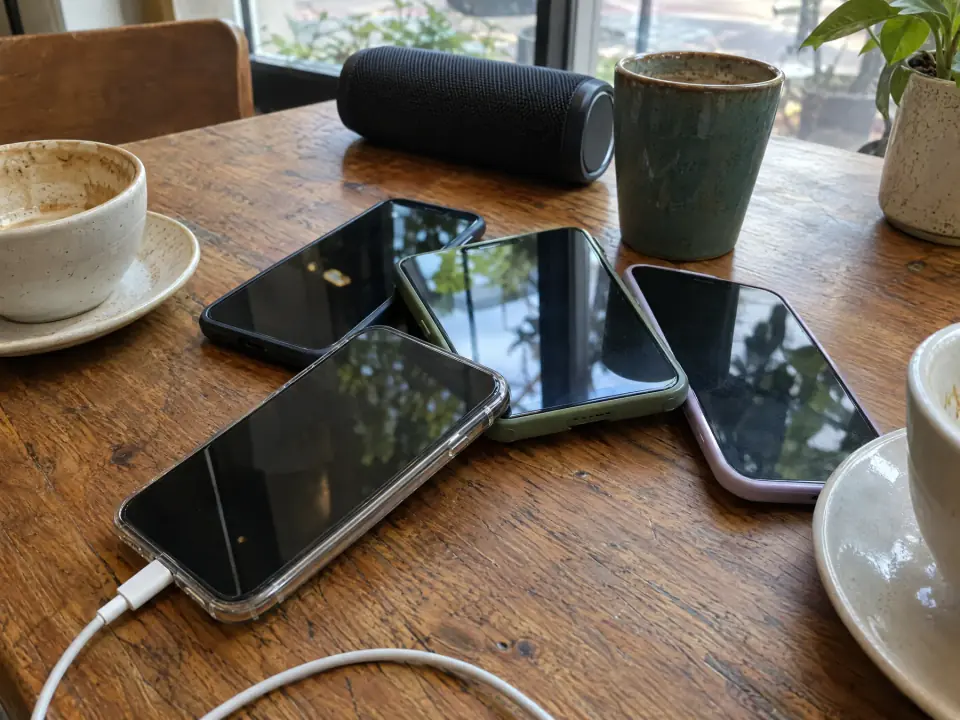
A trip, a birthday, a wedding or russetiden is filmed by twenty phones, not one. A shared album on iPhone only works for iPhone users and still makes no film. Kamerarull is built for exactly this: send one link to the group, everyone adds their photos and videos from their own phone, and the collection sorts dates, places and duplicates for you.
You say who is who, pick the moments, upload your own song, and the film is cut to its length. You get an MP4 to share in the group chat and a TV page for the big screen. Free in early access.
- One link, every phone, iPhone and Android alike
- Photos and videos from everyone, in one order, with names on the people
- Your own song: MP3, M4A or WAV, and the film is cut to fit it
- An MP4 for the group chat, and kamerarull.no/tv for the big screen
Which music can you use?
Music you own or have a licence for: a track you made, commissioned or bought the rights to. Apps' built-in libraries are licensed for that app. For a film you share in public, make sure you have the rights to the song; Kamerarull cuts the film to your upload but does not check the rights for you.
How long should the video be?
As long as the song. Three minutes is a lot of photos; the best films pick 60 to 120 moments and let the music set the pace. For a party, shorter wins: people watch the whole thing and ask to see it again.